Wedding Hashtag vs. QR Code: Which Actually Collects Your Photos?
July 15, 2026 · 2 min read
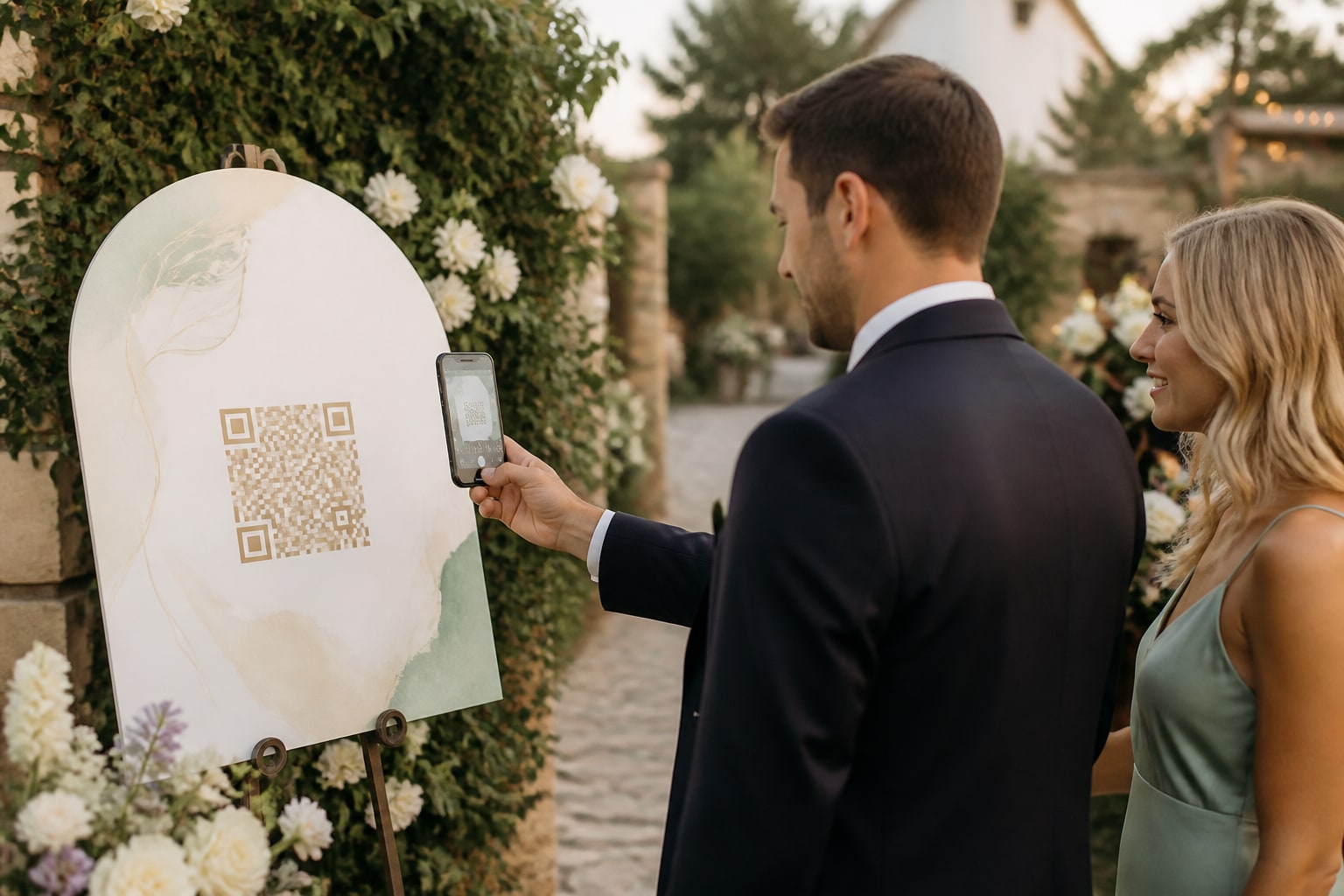
For years, the move was a custom wedding hashtag: pick something clever, print it on a sign, and hope guests tag their photos so you can find them all later. It's a lovely idea — and in 2026 it mostly doesn't work. Here's an honest look at hashtags vs. a QR code, and why couples are switching.
Why hashtags fall short now
- Private accounts are the norm. If a guest's Instagram is private, their tagged photos are invisible to you — which is most of the room these days.
- People forget to tag. Even willing guests post without the hashtag, or don't post at all, and those photos never surface.
- Platforms change. Hashtag search and reach have been dialled down over the years; a tag doesn't reliably gather anything.
- It's social-media-only. The best candids never get posted publicly at all — they just sit in someone's camera roll.
- Quality takes a hit. Anything shared through a social app is compressed; you don't get the original.
You end up with a fraction of the photos, scattered across apps you can't fully see.
Why a QR code collects more
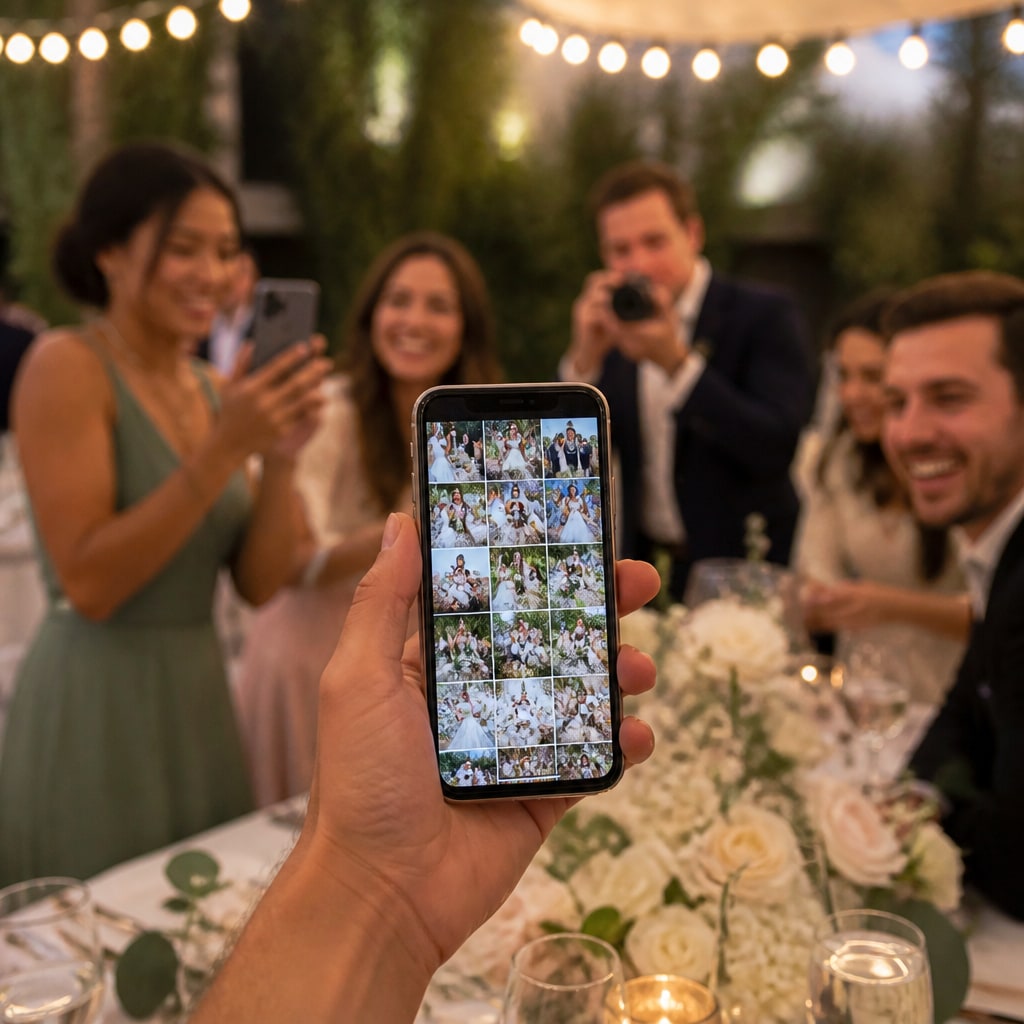
A QR code points at one upload page. Guests scan, upload straight from their camera roll, and everything lands in one gallery you own — no social account required, nothing hidden behind privacy settings.
- Everyone can take part — no app, no sign-up, works on any phone.
- You get the originals, not compressed re-uploads.
- Nothing's hidden — private Instagram accounts don't matter; it's all in your gallery.
- You can download the whole set afterward.
Side by side
| Wedding hashtag | QR code gallery | |
|---|---|---|
| Needs a social account | ✅ (and public) | ❌ none |
| Captures camera-roll-only photos | ❌ | ✅ |
| You see everything | ❌ (privacy gaps) | ✅ one gallery |
| Original quality | ❌ compressed | ✅ |
| Download them all | ❌ | ✅ |
Do you still want a hashtag?
Sure — a hashtag is still fun for the guests who do post publicly, and it's nice for browsing socials afterward. Use both: keep the hashtag for social flair, and add a QR so you actually collect the photos. (See the full rundown of guest-photo options.)
Want every photo in one place — not just the public ones? Create your free event and put a QR on the tables.
Ready to collect every photo?
Create a free event, share the QR, and watch the gallery fill up — no app for your guests.
Related reading
Best Ways to Collect Wedding Photos From Your Guests (2026)
An honest look at the best ways to collect wedding photos from guests in 2026 — no-app QR tools compared on features, price and what actually gets guests to take part.
How to Capture Every Angle of Your Event (Not Just the Photographer's)
One photographer sees one angle at a time. Here's how to capture your whole event from every guest's point of view — automatically, in one shared gallery.
QR Code Photo Sharing for Events: How It Works (No App, No Sign-Up)
How QR-code photo sharing works at events — guests scan, upload, done. No app, no accounts, no chasing links. A plain-English guide for hosts.