How to Capture Every Angle of Your Event (Not Just the Photographer's)
July 13, 2026 · 2 min read
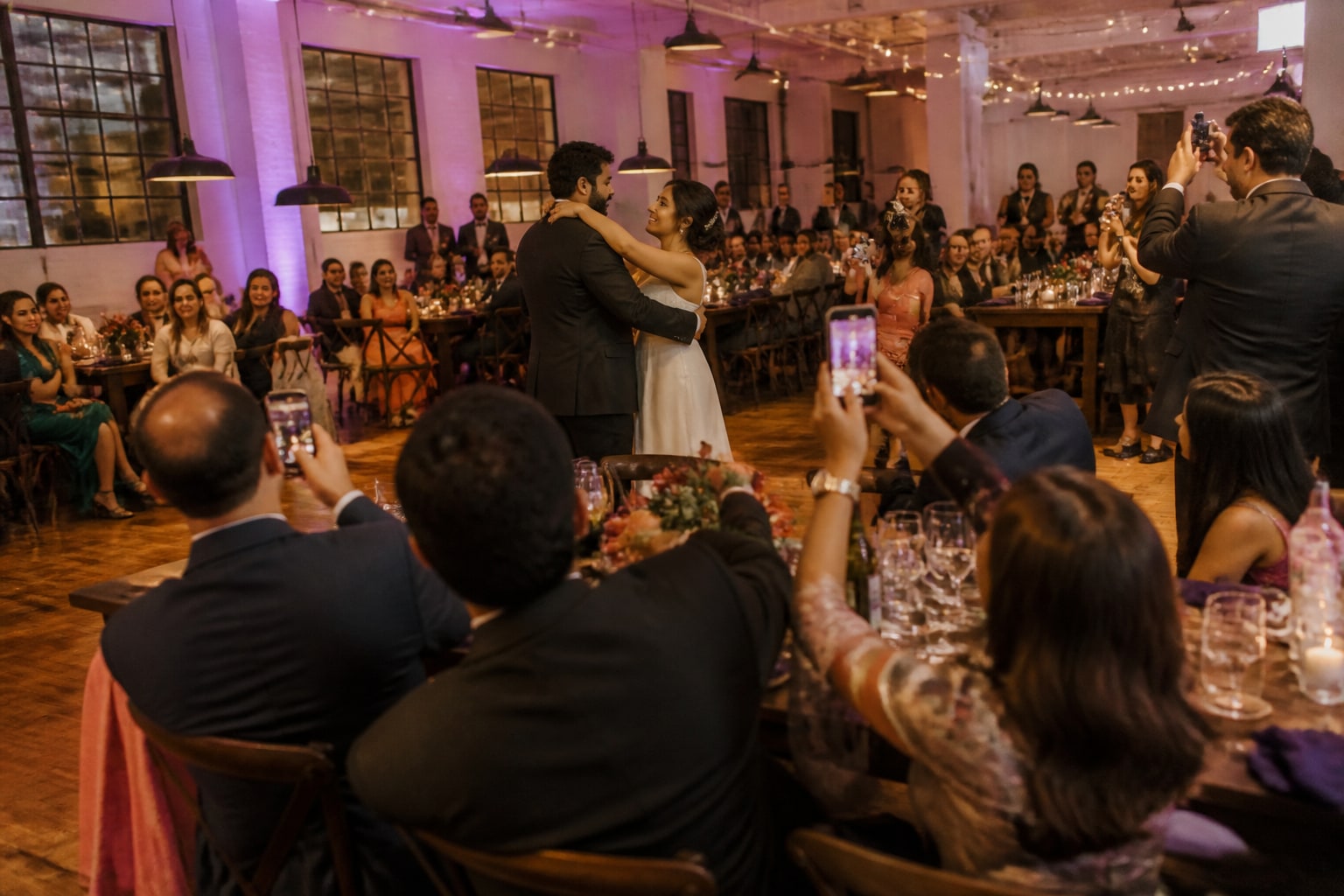
Your photographer is brilliant — but they can only stand in one place at a time. While they're shooting the first dance, they're missing the table where your uncle is crying laughing. While they're doing formal portraits outside, the dance floor is going off inside. No single person can be everywhere.
The good news: you already have 50–150 extra cameras in the room. Here's how to turn all of them into one complete record of the day.
The "one vantage point" problem
Professional photographers work from a shot list and a plan. That's exactly why the results are so polished — and also why there are gaps. They physically can't capture:
- interactions happening across the room at the same moment,
- the candid stuff that only happens when a "real" camera isn't pointed at people,
- the after-party once they've packed up.
Guests, on the other hand, are living inside those moments — phones in hand.
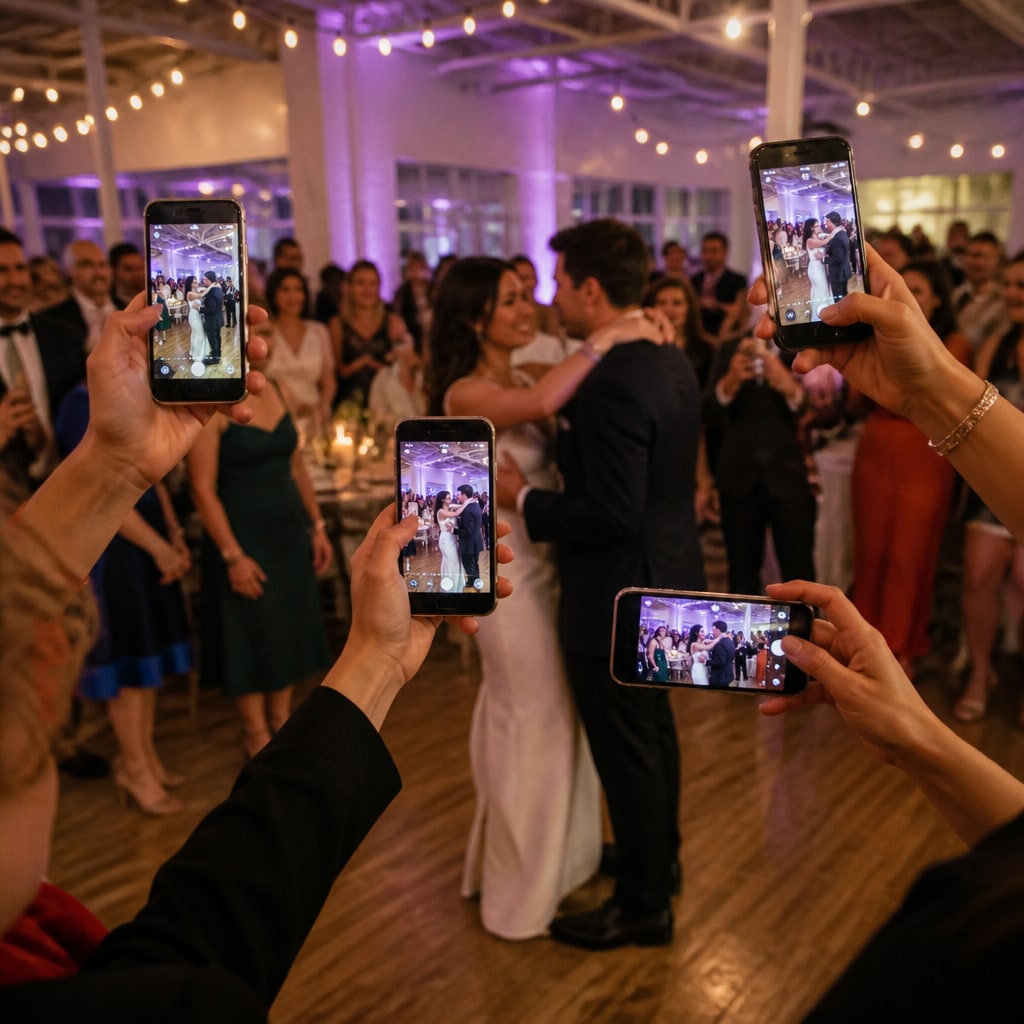
Your guests are 50–150 cameras you already invited
At a typical event, guests take around 23 photos each. For a 150-person wedding, that's roughly 3,450 photos shot from every table, every angle, and every point in the night. The problem was never taking them — it's that they stay stuck on everyone's phones and you never see them.
The method: one QR, one gallery
Instead of chasing people for photos afterward, you collect them as they happen:
- Create an event and get a QR code + link.
- Put the QR on the tables (and optionally on a big screen).
- Guests scan and upload straight from their phones — no app, no sign-up.
- Every photo lands in one shared gallery you can download in full.
Why this beats the usual workarounds
- Shared cloud album: everyone needs the right app/account — most won't bother.
- WhatsApp group: compresses photos and turns into a 50-person thread nobody reads.
- AirDrop: only works nearby, and only iPhone-to-iPhone.
A QR gallery has none of that friction, which is why participation is so much higher.
A few tips to get everyone in on it
- Put a small card on every table with the QR and one line: "Add your photos."
- Have the MC mention it once, early.
- Turn on moderation if you want to approve photos before they go live.
- Keep it fun — the more guests see photos appearing, the more they add.
You'll end up with the day from every seat in the house — not just the front row.
Create your free event and get your QR in under two minutes.
Ready to collect every photo?
Create a free event, share the QR, and watch the gallery fill up — no app for your guests.
Related reading
QR Code Photo Sharing for Events: How It Works (No App, No Sign-Up)
How QR-code photo sharing works at events — guests scan, upload, done. No app, no accounts, no chasing links. A plain-English guide for hosts.
Guest Photos + Your Photographer: How Candids Complete the Album
Your photographer nails the big moments. Guest candids catch everything in between. Here's how the two work together — and why photographers encourage it.
How to Set Up a Live Photo Wall for Your Event (on Any TV)
Turn any TV or projector into a live photo wall your guests fill in real time. A simple setup with no AV team and no expensive social-wall software.