How to Set Up a Live Photo Wall for Your Event (on Any TV)
July 12, 2026 · 2 min read
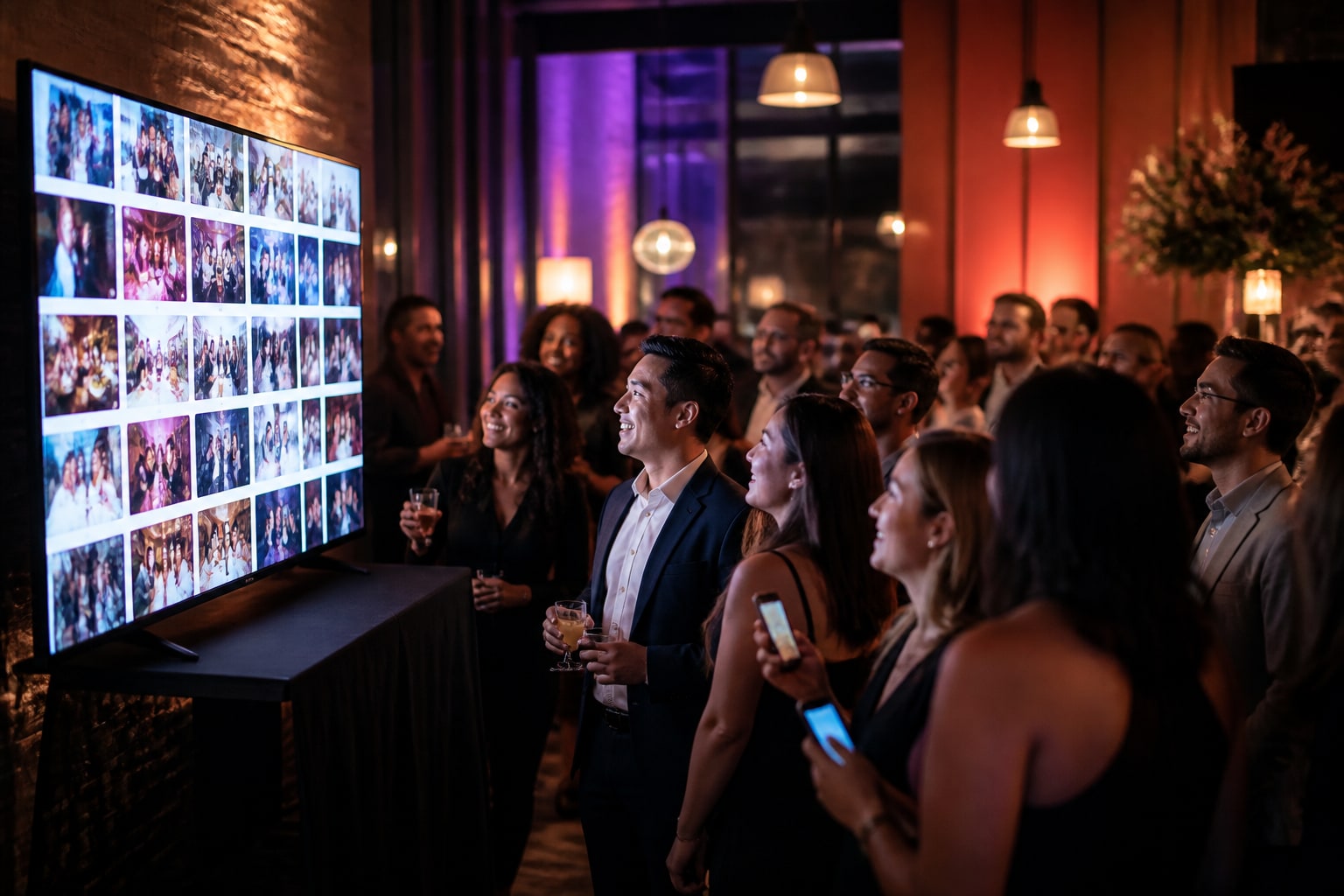
There's a moment at a great event when a photo pops up on the big screen and the whole room turns to look. A live photo wall — guest photos appearing on a TV as they're taken — is one of the easiest ways to lift the energy in a room. And you don't need an AV crew or pricey software to run one.
What a live photo wall is
It's a screen (TV, projector, or monitor) showing a gallery of your event's photos that updates in real time as guests upload. New photo → it appears on the wall within seconds. People love seeing themselves up there, which makes them take — and share — even more.
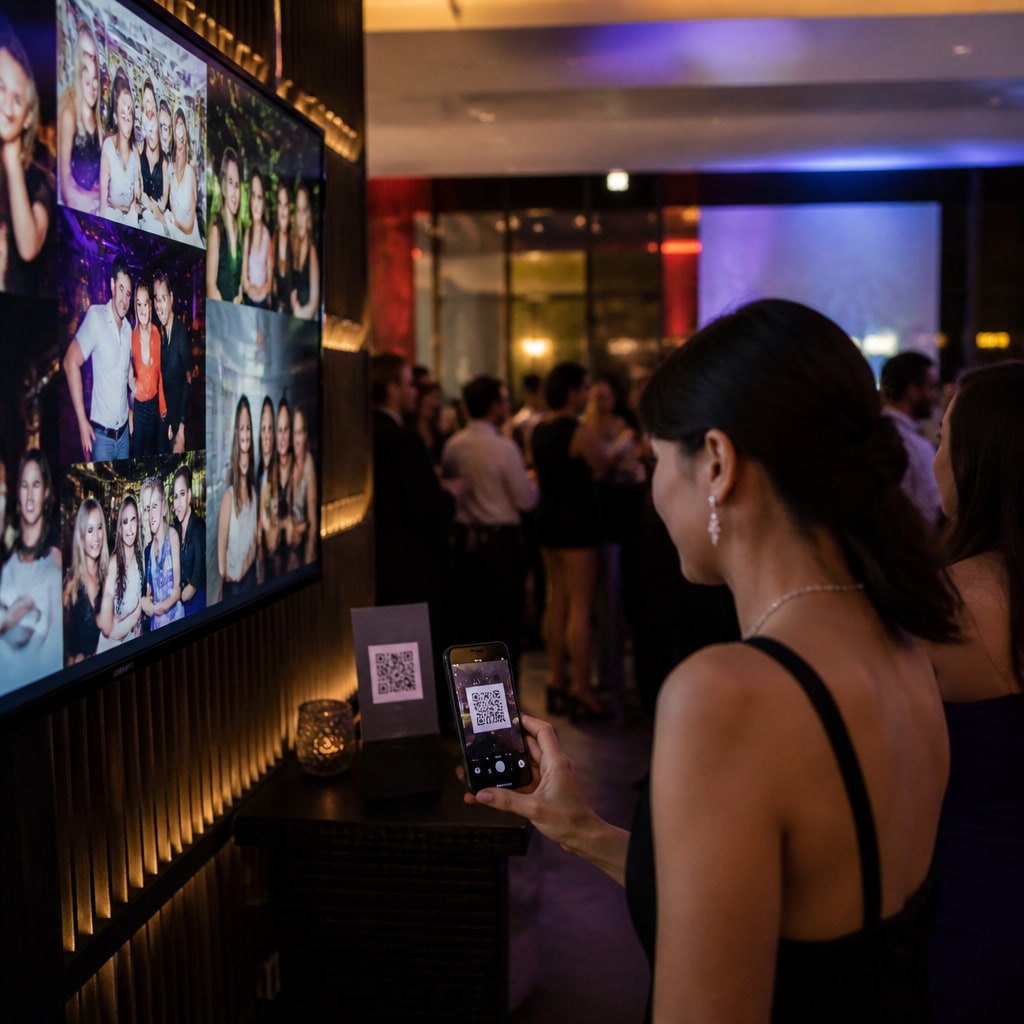
What you actually need
- A screen with a web browser (a smart TV, a laptop plugged into a TV, or a projector).
- A way for guests to add photos — a QR code on the tables.
- That's it. No app, no capture card, no hardware box.
The setup, step by step
- Open the wall page on the TV's browser.
- Pair it to your event with a short code (like connecting a streaming app).
- Guests scan the table QR and upload from their phones.
- Photos stream onto the wall live, with a "scan to add your photos" prompt kept in the corner so newcomers can join.
You can pick a layout (grid, mosaic, or full-screen slideshow), set how fast it rotates, and toggle captions.
The cost reality check
Dedicated "social wall" platforms are built for big brands and priced like it — tools like Walls.io run around $243/month, or roughly a $250 event pass for a single event (up to ~500 live viewers). That's great if you're running a conference with a marketing budget, and overkill for a wedding or party.
A guest-photo tool with a built-in wall gives you the same live-screen magic for a fraction of that — because the wall and the photo collection are the same product.
Tips for a wall that pops
- Keep the join-QR on screen the whole time.
- Turn on moderation for public events so nothing awkward hits the big screen.
- Put it somewhere central — near the bar or dance floor.
- For corporate events, add your logo/cover so it's on-brand.
Want the wall and the full album afterward? Create a free event, pair a screen, and you're live.
Ready to collect every photo?
Create a free event, share the QR, and watch the gallery fill up — no app for your guests.
Related reading
QR Code Photo Sharing for Events: How It Works (No App, No Sign-Up)
How QR-code photo sharing works at events — guests scan, upload, done. No app, no accounts, no chasing links. A plain-English guide for hosts.
How to Capture Every Angle of Your Event (Not Just the Photographer's)
One photographer sees one angle at a time. Here's how to capture your whole event from every guest's point of view — automatically, in one shared gallery.
Live Photo Sharing for Corporate Events & Parties: A Simple Playbook
Collect and display attendee photos at your next corporate event — conference, launch, gala or staff party. On-brand, no app for attendees, and far cheaper than enterprise social walls.