Unplugged Ceremony, Phones-Up Reception: How to Do Both
July 15, 2026 · 2 min read
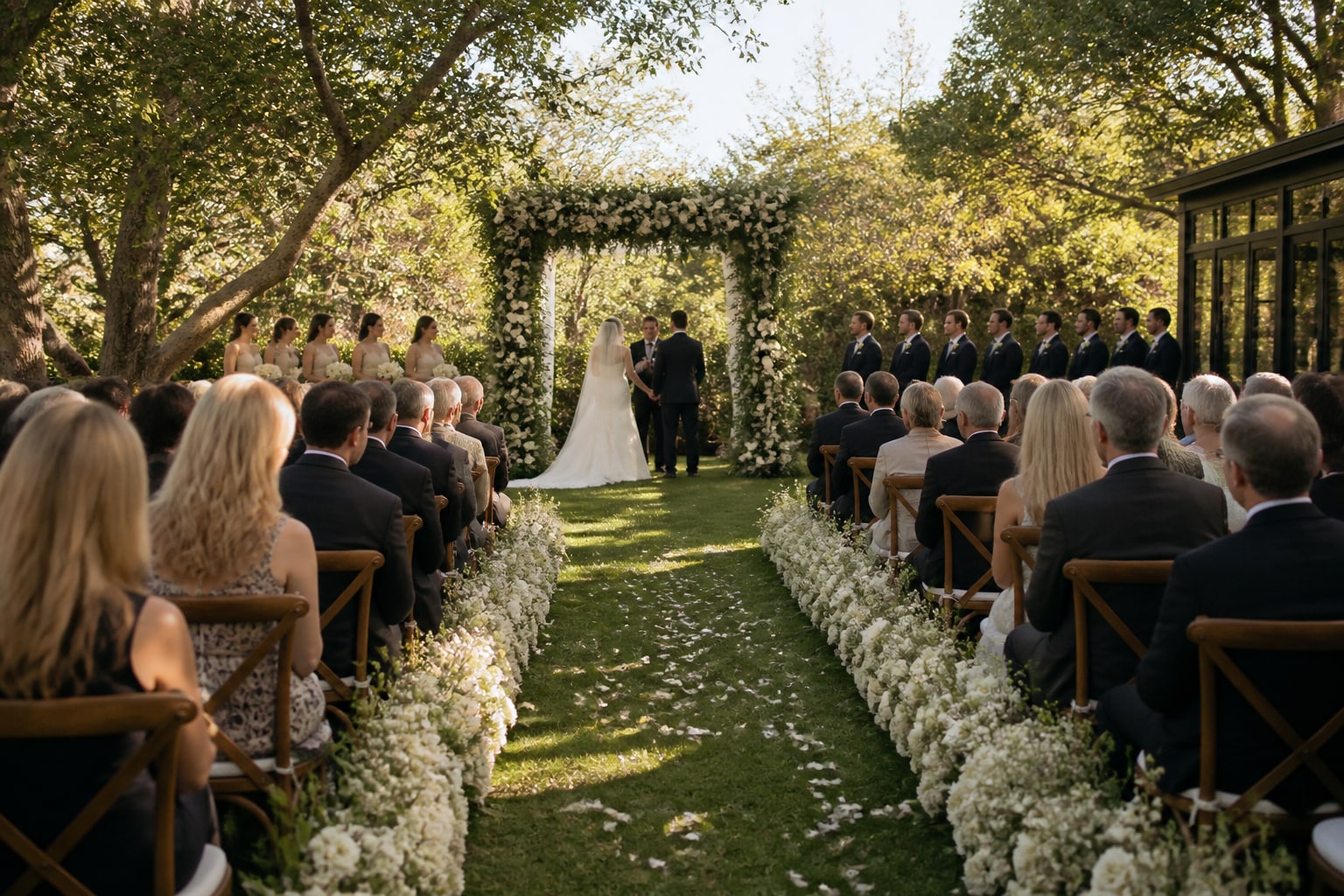
"Unplugged ceremony" is one of the best wedding trends of the last few years — no phones in the aisle, no screens between you and your guests, and no tourist arm blocking the photographer's shot of your first kiss. But couples worry: if I ask everyone to put phones away, do I lose all those fun guest photos? You don't. Here's how to have both.
Why go unplugged for the ceremony
- Your photographer gets the shot. No raised phones or iPad screens ruining the aisle photos.
- Guests are present. People actually watch you get married instead of filming it.
- It's calmer and more intimate — the moment belongs to the room, not a hundred cameras.
The key word is ceremony. Unplugged doesn't have to mean the whole day.
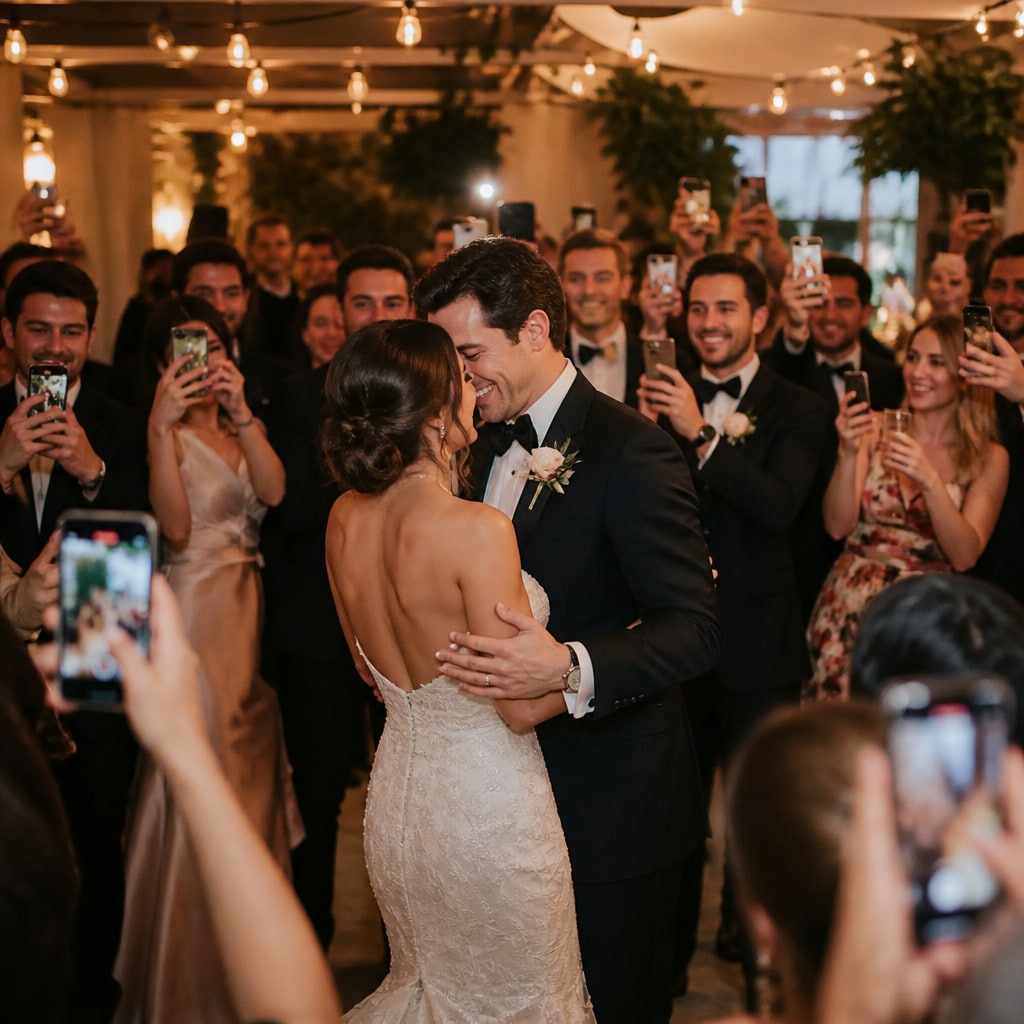
Then flip it: phones up for everything else
The moment the ceremony ends, your guests become your best candid photographers — cocktail hour, the speeches, the dance floor, the late-night chaos. That's exactly where guest photos fill the gaps your photographer can't be in two places for.
Set it up so it's obvious:
- A sign (and a line from the officiant) asking guests to keep phones away during the ceremony.
- A QR code on the reception tables inviting them to upload freely from then on.
- One shared gallery that fills up with every angle of the celebration.
How to word it
- Ceremony sign: "Welcome to our unplugged ceremony. Please keep phones away and be fully present — our photographer's got this."
- Reception sign: "Phones out! Scan to add your photos to our gallery." (More on signage wording.)
Clear, friendly, and it sets expectations without policing anyone.
The best of both
You get clean, phones-down ceremony photos and a flood of candid reception shots from your guests — the whole day, captured the way you actually want it.
Create your free event and have the QR ready for the moment the "you may now use your phones" cheer goes up.
Ready to collect every photo?
Create a free event, share the QR, and watch the gallery fill up — no app for your guests.
Related reading
Guest Photos + Your Photographer: How Candids Complete the Album
Your photographer nails the big moments. Guest candids catch everything in between. Here's how the two work together — and why photographers encourage it.
How to Capture Every Angle of Your Event (Not Just the Photographer's)
One photographer sees one angle at a time. Here's how to capture your whole event from every guest's point of view — automatically, in one shared gallery.
QR Code Photo Sharing for Events: How It Works (No App, No Sign-Up)
How QR-code photo sharing works at events — guests scan, upload, done. No app, no accounts, no chasing links. A plain-English guide for hosts.