How to Make a Photo-Sharing Sign for Your Event (Wording + Placement)
July 15, 2026 · 2 min read
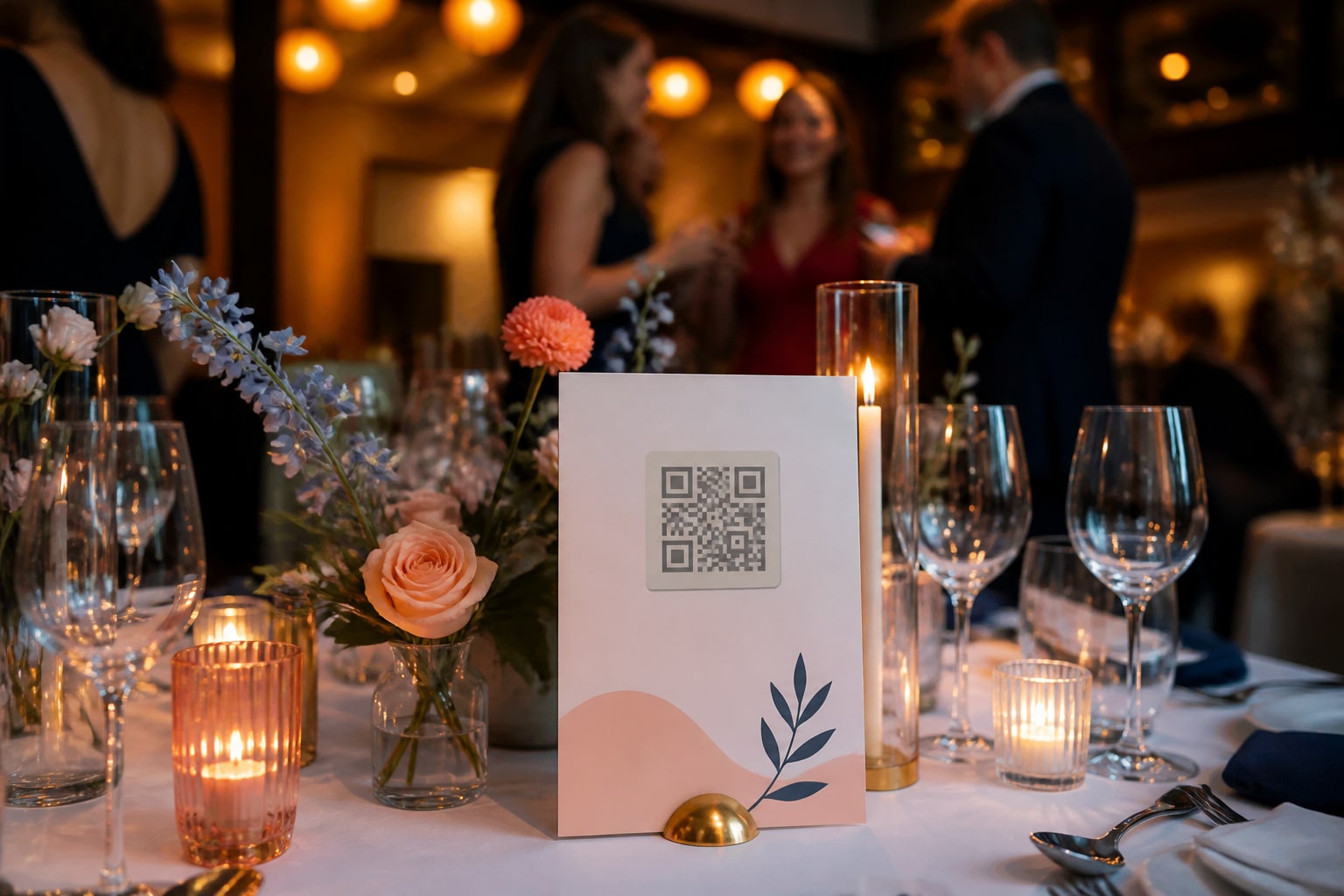
You can have the best photo-sharing setup in the world, but if guests don't notice it, you get nothing. The humble sign — the card on the table with a QR code — is what turns "we have a gallery" into a gallery that's actually full. Here's how to get it right.
What to put on the sign
Keep it to four things:
- A one-line invite — what to do, in plain words.
- The QR code — big enough to scan from a seated position.
- A short URL as a fallback for anyone whose camera is fussy.
- A reassurance — "no app, no sign-up."
That's it. Don't crowd it.
Wording that works
Match the tone to your event:
- Warm / wedding: "Help us remember today — scan to add your photos ✨"
- Playful / party: "Caught a good one? Scan and drop it in 📸"
- Simple / corporate: "Share your photos from today. Scan — no app needed."
- Directive (works everywhere): "Scan to add your photos. No app, no sign-up."
Avoid jargon ("upload to the shared cloud album") — "add your photos" is clearer and friendlier.
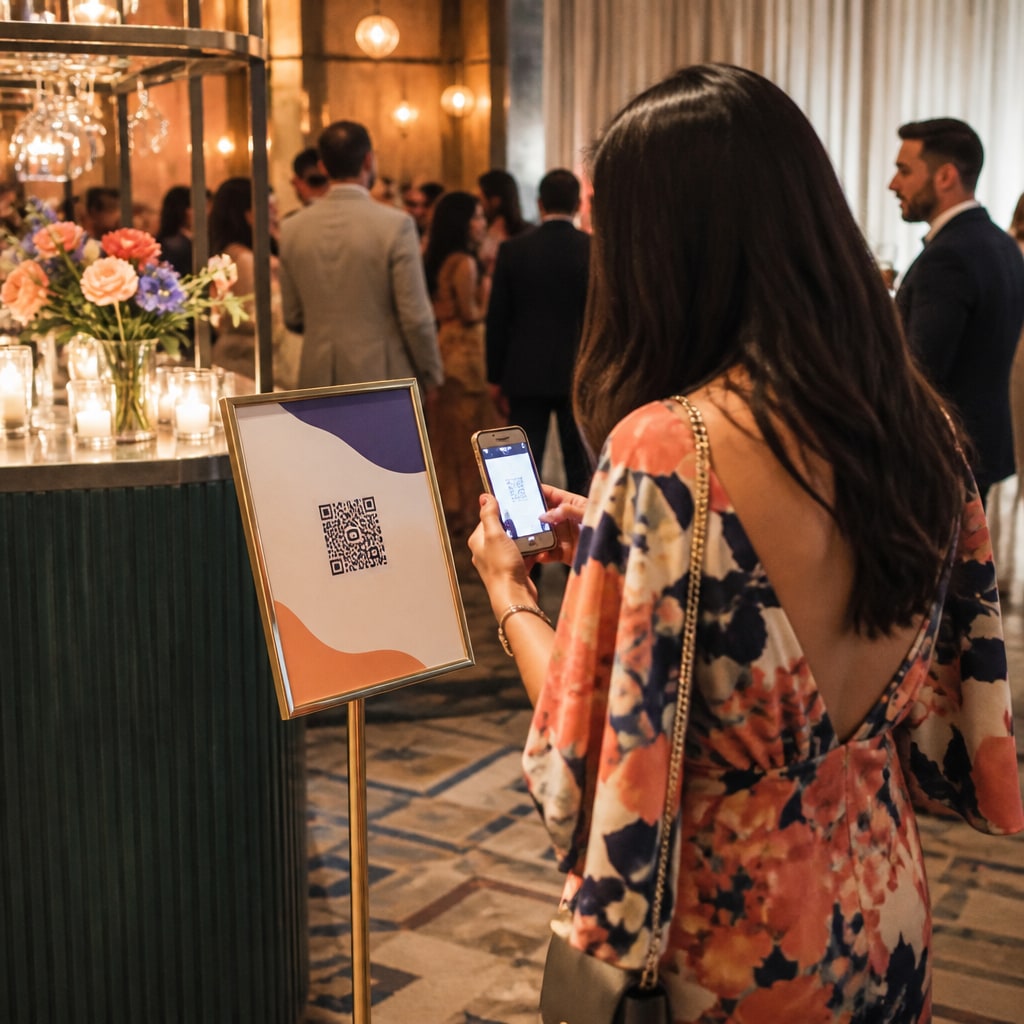
Where to put it
More placements = more photos:
- Table cards / tents — one per table; the highest-traffic spot.
- Entrance / welcome sign — so guests scan on arrival.
- The bar — people wait there with phones already out.
- On the big screen — a persistent "scan to add your photos" corner.
- Bathrooms — unglamorous, but a surprisingly reliable scan spot.
Design tips
- High contrast: dark QR on white reads best; test it from arm's length.
- Don't shrink the QR to fit a design — the code is the point.
- Add your event name or a little art so it feels part of the day.
- Print a few extras; cards wander.
Most photo tools give you a QR and a printable card automatically, so you can skip the design software entirely — see how QR photo sharing works.
Ready to print one? Create your free event — you'll get a QR and a print-ready card in minutes.
Ready to collect every photo?
Create a free event, share the QR, and watch the gallery fill up — no app for your guests.
Related reading
QR Code Photo Sharing for Events: How It Works (No App, No Sign-Up)
How QR-code photo sharing works at events — guests scan, upload, done. No app, no accounts, no chasing links. A plain-English guide for hosts.
How to Set Up a Live Photo Wall for Your Event (on Any TV)
Turn any TV or projector into a live photo wall your guests fill in real time. A simple setup with no AV team and no expensive social-wall software.
Best Ways to Collect Wedding Photos From Your Guests (2026)
An honest look at the best ways to collect wedding photos from guests in 2026 — no-app QR tools compared on features, price and what actually gets guests to take part.