Is It Safe to Collect Guest Photos? A Host's Privacy Guide
July 15, 2026 · 2 min read

Inviting guests to upload photos is a lovely idea — and the first question a thoughtful host asks is "wait, is that safe?" It's the right question. The good news: with a tool that's built properly, collecting guest photos is both safe and firmly in your control. Here's what to look for.
The controls that keep you in charge
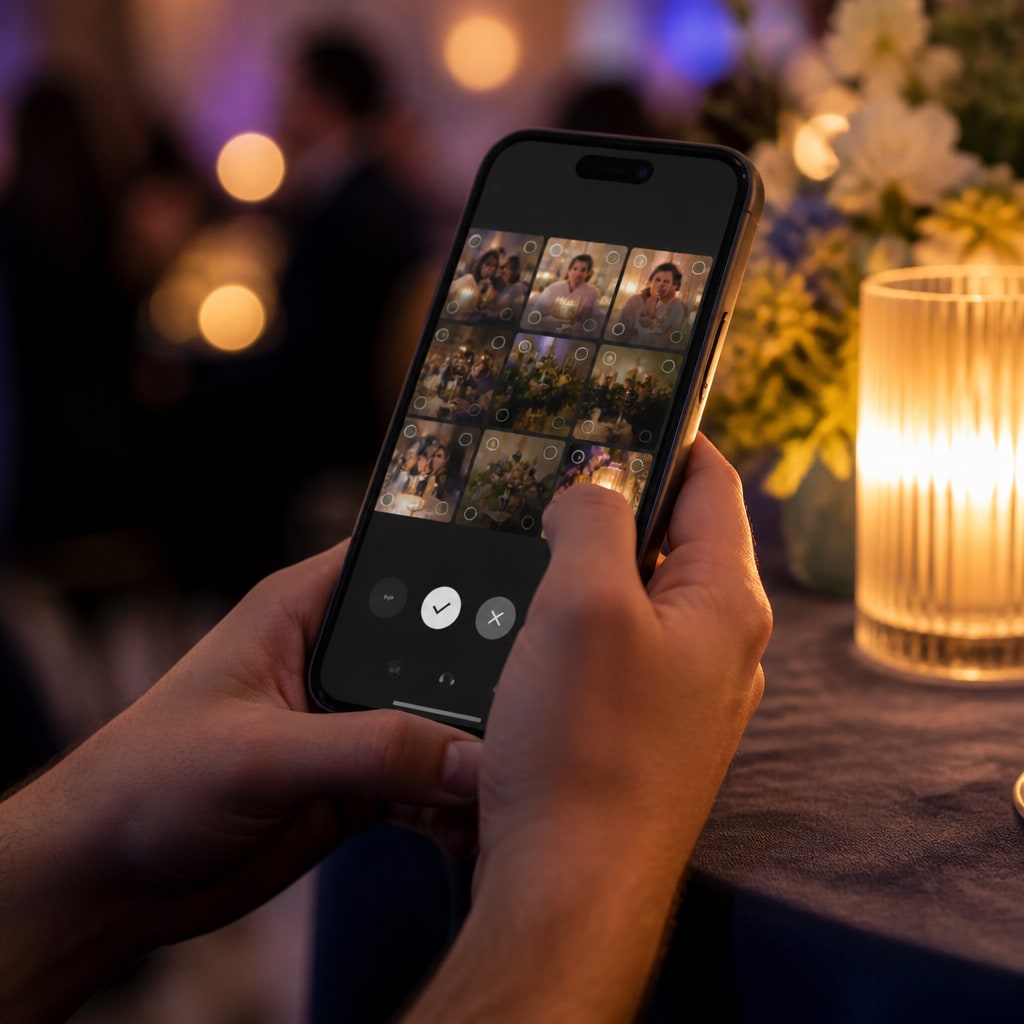
- Approve before they go live. Turn on moderation and nothing appears in the gallery (or on the big screen) until you approve it. No surprises.
- Private events. Make the event private so only you see the photos — guests can upload, but there's no public gallery.
- Per-guest limits & rate limits. Sensible caps stop any one person (or a bot) from flooding the gallery.
- You can remove anything. Hide or delete a photo instantly; good tools purge hidden photos for good after a short grace period.
The privacy fundamentals to check
Not every tool is equal. Before you pick one, look for:
- No facial recognition. Your guests shouldn't be scanned or identified by an algorithm. (We deliberately don't do this.)
- Location data stripped. Photos carry hidden GPS/EXIF data by default — a good tool removes it on upload so your guests' home or venue coordinates aren't baked into files.
- Guests can delete their own uploads. People should be able to pull back a photo they regret.
- Clear ownership & download. You, the host, control the gallery and can download everything; it isn't mined or sold.
- Sensible retention. Know how long photos are kept and when they're deleted.
What about consent?
Keep it simple and human: a line on your sign or invite — "photos you add are shared with the host and other guests" — sets expectations. For weddings and parties that's plenty. For corporate or venue events, check your organisation's policy and mention it in the event comms.
The honest summary
Collecting guest photos is safe when the tool gives you the controls (approve, private, delete), respects your guests (no facial recognition, location stripped, self-delete), and is clear about ownership and retention. Tick those boxes and you get all the upside — every angle of your event — with none of the worry.
Want those controls out of the box? Create your free event — moderation, private mode, and full download are all built in.
Ready to collect every photo?
Create a free event, share the QR, and watch the gallery fill up — no app for your guests.
Related reading
QR Code Photo Sharing for Events: How It Works (No App, No Sign-Up)
How QR-code photo sharing works at events — guests scan, upload, done. No app, no accounts, no chasing links. A plain-English guide for hosts.
How to Capture Every Angle of Your Event (Not Just the Photographer's)
One photographer sees one angle at a time. Here's how to capture your whole event from every guest's point of view — automatically, in one shared gallery.
Best Ways to Collect Wedding Photos From Your Guests (2026)
An honest look at the best ways to collect wedding photos from guests in 2026 — no-app QR tools compared on features, price and what actually gets guests to take part.