How to Get Everyone's Photos Off Their Phones After a Party (Fast)
July 11, 2026 · 2 min read
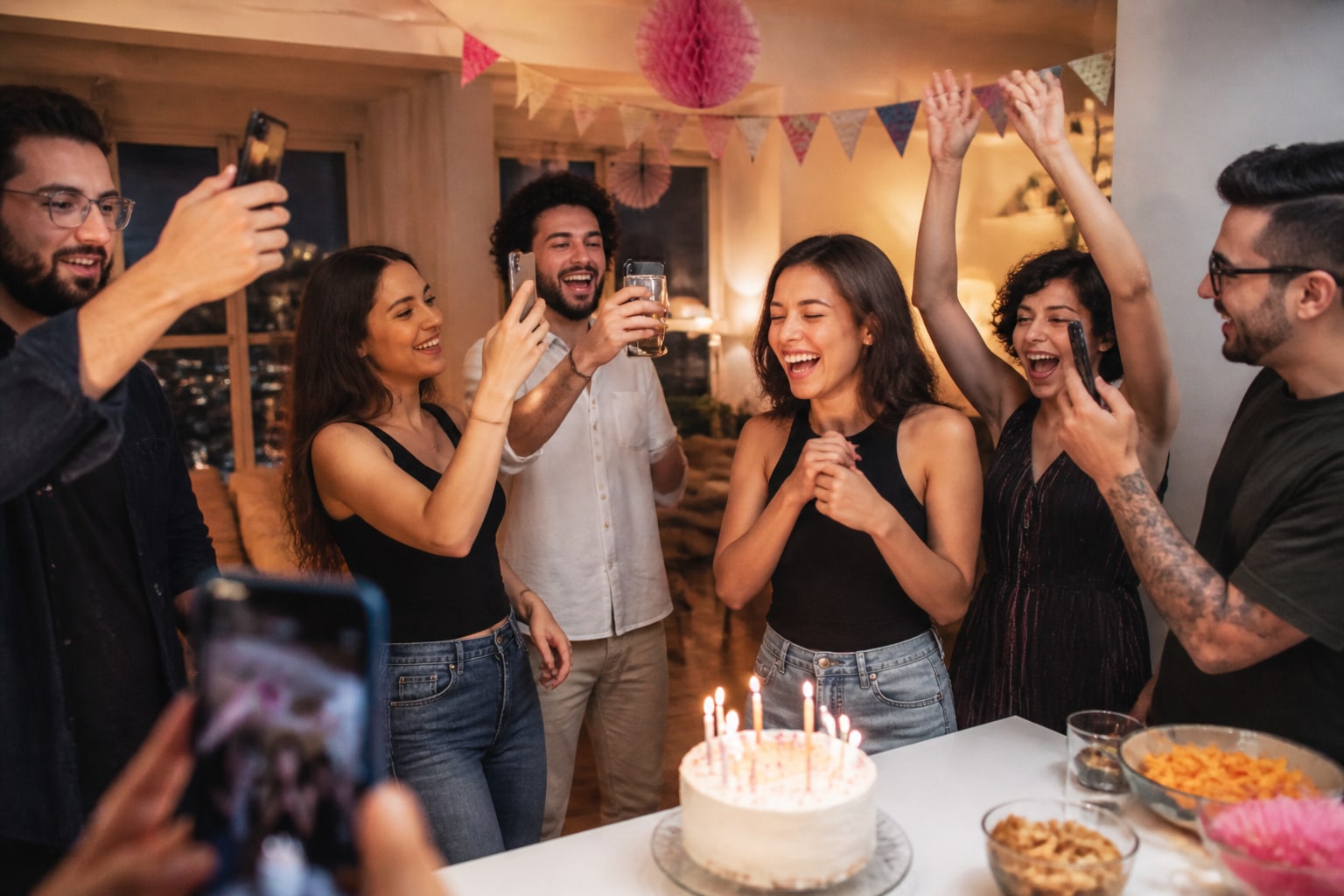
You threw a great party. Everyone was snapping photos all night. And now? They're scattered across twenty different phones, and you'll be lucky to see five of them. Here's how to actually collect all of them — in about two minutes of setup.
Why the usual fixes fail
- WhatsApp group: compresses every photo to mush, turns into an endless thread, and half the people aren't in it.
- Shared cloud album: everyone needs the right app and account — most won't set it up.
- "Just AirDrop them to me": only works iPhone-to-iPhone, and only when you're standing next to each other.
The photos exist. The problem is friction — every extra step loses more people.
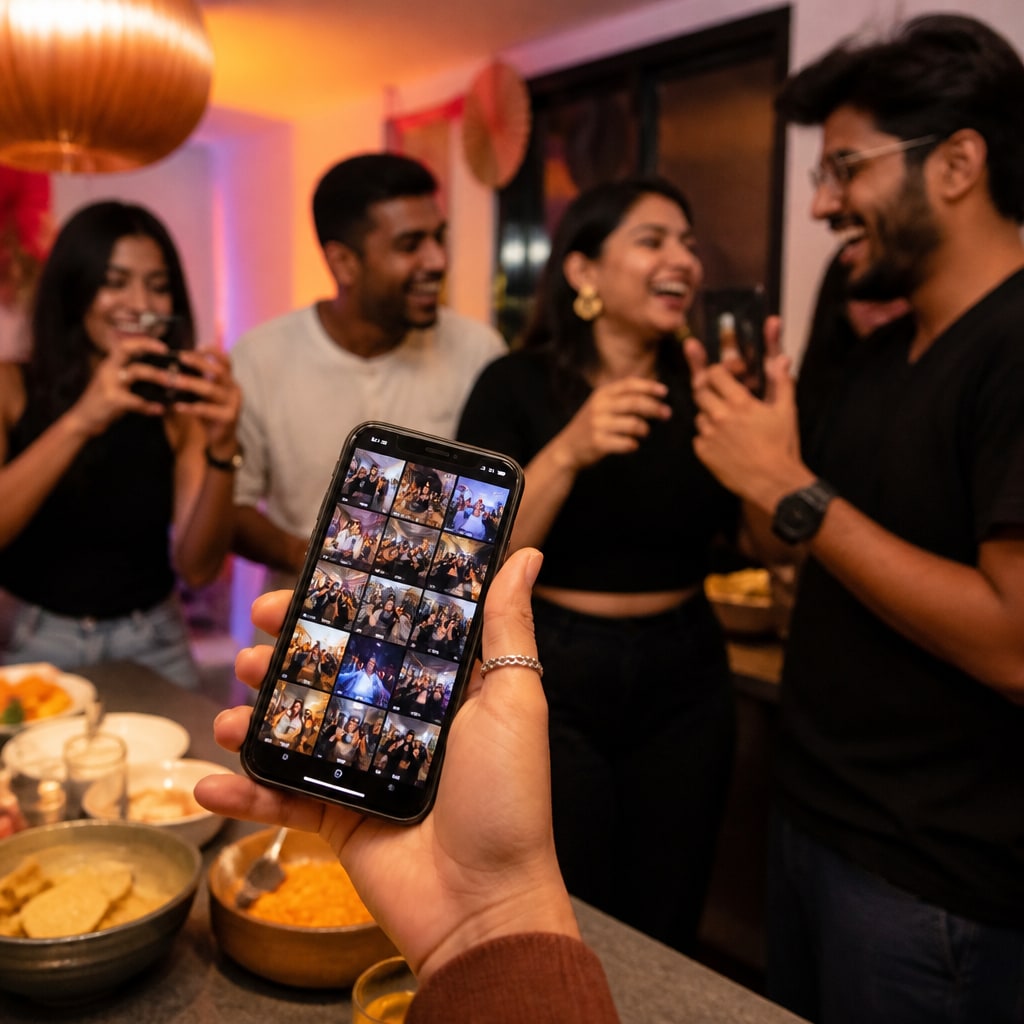
The 2-minute fix: one link, one gallery
- Create an event — you get a QR code and a shareable link.
- Drop the link in the group chat, or show the QR at the party.
- Everyone opens it and uploads straight from their camera roll — no app, no sign-up.
- Every photo lands in one gallery. Download the whole thing when you're done.
Because there's nothing to install, people actually do it — which is the whole point.
Works for way more than parties
- Birthdays and milestone celebrations
- Family reunions and holidays
- Dinners, game nights, and house parties
- Baby showers and graduations
Anywhere a group takes photos and no one ends up with all of them.
Bonus: put it on the TV
If people are still around, throw the live gallery on a TV so photos pop up on the big screen as they're added. Instant slideshow, zero effort.
Stop chasing photos in the group chat. Create a free event and share one link — everyone's photos, one place.
Ready to collect every photo?
Create a free event, share the QR, and watch the gallery fill up — no app for your guests.
Related reading
QR Code Photo Sharing for Events: How It Works (No App, No Sign-Up)
How QR-code photo sharing works at events — guests scan, upload, done. No app, no accounts, no chasing links. A plain-English guide for hosts.
How to Capture Every Angle of Your Event (Not Just the Photographer's)
One photographer sees one angle at a time. Here's how to capture your whole event from every guest's point of view — automatically, in one shared gallery.
Disposable vs. Digital Cameras at Weddings: The Modern Way to Get Candid Guest Shots
Love the disposable-camera look but not the cost or the lost shots? Here's an honest comparison — and the modern way to capture candid guest photos at your wedding.